We don't do this because we have to! We do this because we love it :-)


Fixing a Slow Acer Laptop by Downgrading Windows
Fixing a Slow Acer Laptop by Downgrading Windows
Kristian Toić-TOTALPC Rijeka
3/5/20261 min read
https://www.youtube.com/watch?v=TazsTPp06ZE
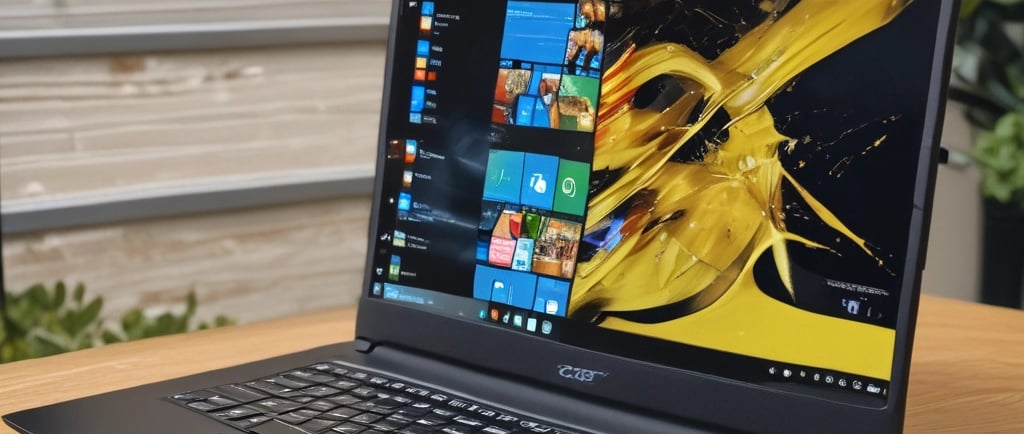
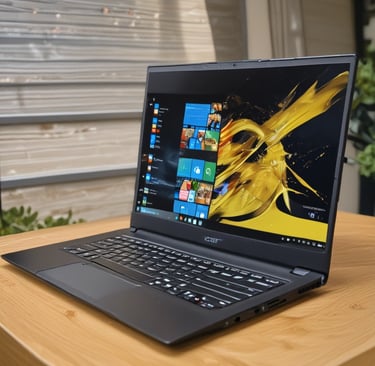
In this repair, an Acer 2-in-1 laptop with only 64 GB eMMC storage was running Windows 11, which caused serious performance and storage problems. The laptop originally shipped with Windows 10, and the upgrade left almost no free space.
What was done
Booted the laptop from a USB installer.
Entered BIOS and disabled Secure Boot to allow USB boot.
Performed a clean installation of Windows 10, deleting the Windows 11 partitions.
The system automatically activated because the license key was stored in the BIOS.
Installed drivers and firmware updates through Windows Update.
Cleaned leftover update files to free additional disk space.
Disabled future updates to prevent storage issues.
Installed Google Chrome (using Microsoft Edge only for the download) and applied a few performance tweaks.
Result
After reinstalling Windows 10 and optimizing the system, the laptop became much faster and had significantly more free space, making it usable again despite its limited hardware.
Lesson: Devices with very small storage (like 64 GB eMMC) often run far better on Windows 10 than Windows 11.